
Ameen Custom Login
Ameen Custom Login
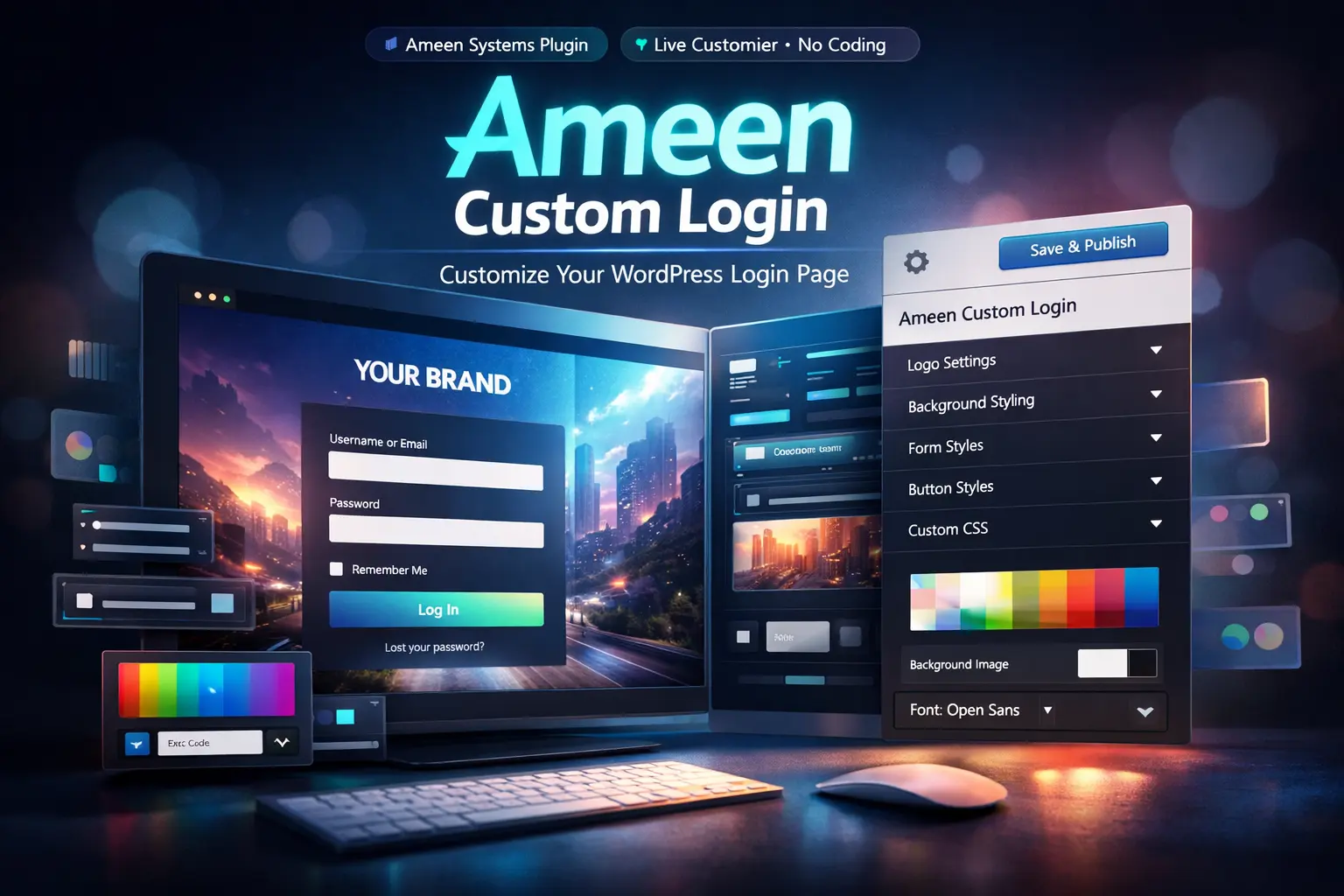
Fully customize the WordPress login page using the native Customizer — live preview, full branding control, no code required.
Everything you need for a professional login screen
Make the WordPress login page match your brand — and keep it maintainable.
Live Customizer Preview
See changes instantly while you design — no guessing and no reload loops.
Templates + Layouts
Start from a clean template. Choose one-column or two-column layouts.
Branding Controls
Custom logo image or text, logo sizing, link URL, and title attributes.
Background & Form Styling
Background image/color, form width, padding, borders, shadows, and radius.
Fields, Buttons, Links
Fine-tune field styling, button hover states, and link colors for consistency.
Extras + Custom CSS
Hide “Remember Me” or extra links. Add custom CSS for advanced tweaks.
How it works
Ameen Custom Login uses the WordPress Customizer so you can configure your login page the “WordPress way”. No brittle overrides — just clean settings, live preview, and a polished result.
- Install & ActivateEnable the plugin on your site.
- Open the CustomizerAppearance → Customize → Ameen Custom Login
- Design & SaveAdjust layout, colors, and styling, then publish.
Preview gallery
Swap these placeholders with your real screenshots once your theme is finalized.
FAQ
Quick answers to the most common setup questions.
Does this replace the WordPress login system?
Will it break my security plugins?
Can I use a custom background image?
Can I add custom CSS?
Ready to brand your login page?
Install Ameen Custom Login and design a clean, professional login experience in minutes.